Notifications
The Notification Page provides you with a central place to manage and review notifications. You can access and filter notifications based on different attributes for a more organized experience.
Accessing the Notification Page
What : Access the the Notification Page
How :
-
Go to https://tims.unhcr.org/ in your web browser.
-
Sign in with your username and password.
-
Look for the notification icon (bell) and click on it..
-
You'll be redirected to the Notification Page.
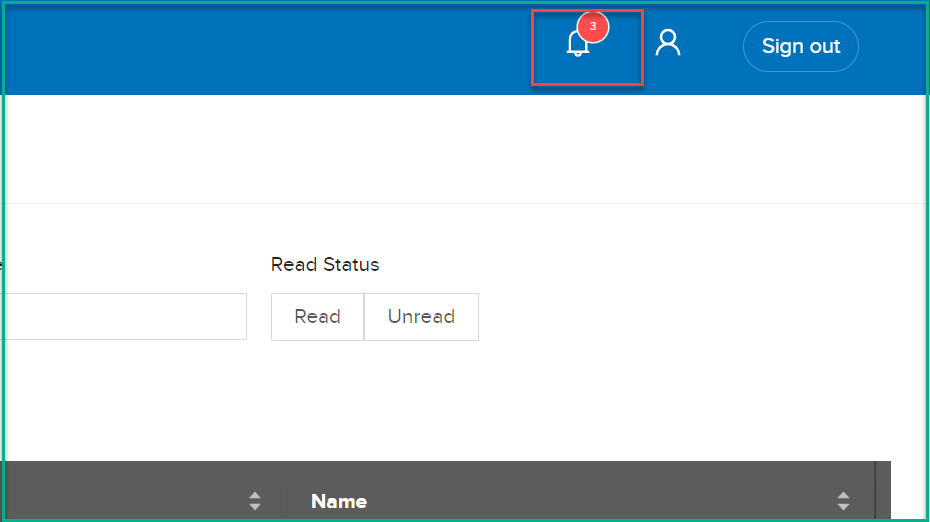
Viewing Notifications
On the Notification Page, you'll find a list of notifications with details such as:
    Date: The date and time the notification was sent.
    Name: A brief title or identifier for the notification.
    Description: The detailed content of the notification.
Filtering Notifications
To filter notifications based on specific attributes:
-
On the Notification Page, look for filter options.
-
Use the following filter criteria:
Time Range: Select a time range to narrow down notifications based on when they were sent. Name: Enter a keyword to filter notifications by title or identifier. Read Status: Choose between "Read" and "Unread" status. -
Apply the selected filters to update the list of notifications.